



In June 2021, attackers sent counterfeit Ledger devices to customers, allegedly to protect against data leakage. Restoring wallets required entering a seed phrase. After this, hackers gained access to users’ funds.
A few months later, the Swiss company Tangem AG unveiled a new hardware wallet — in the form of a plastic card and without a seed phrase. We test the Tangem Wallet and discuss its advantages and drawbacks.
Why the seed phrase is not the best backup
The mnemonic phrase (seed phrase or simply seed) is a random sequence of 12 or more words that is needed to restore access to funds in case of loss, theft or damage to the wallet.
The user generates the seed when creating a cryptocurrency wallet. It must be stored in a secure place: the holder of the seed phrase has full access to the assets.
However the user cannot be entirely sure that their mnemonic phrase has not been compromised.
Example: a hacker stole the seed phrase. He does not rush to reveal himself and waits until the owner transfers to the wallet a “sufficient” amount of funds. After that he withdraws the cryptocurrency. The user learns of the compromise only after the assets have been stolen.
“You can buy a hardware wallet with the most advanced security features. Yet the backup will be a simple sequence of words that can be photographed or rewritten. This is enough to access your money. The seed phrase is Schrödinger’s private key. It is unknown whether it has been compromised or not, because a piece of paper or a file containing the seed phrase has no reliable protection,” explained Andrey Lazutkin, chief technology officer of Tangem AG.
He added that the seed phrase must be written down correctly and stored in a secure location. As a result, non-custodial wallets may be forsaken in favour of less secure centralised platforms.
A wireless wallet with no seed phrases
“If you want to keep a secret, you must hide it even from yourself,” — George Orwell, 1984.
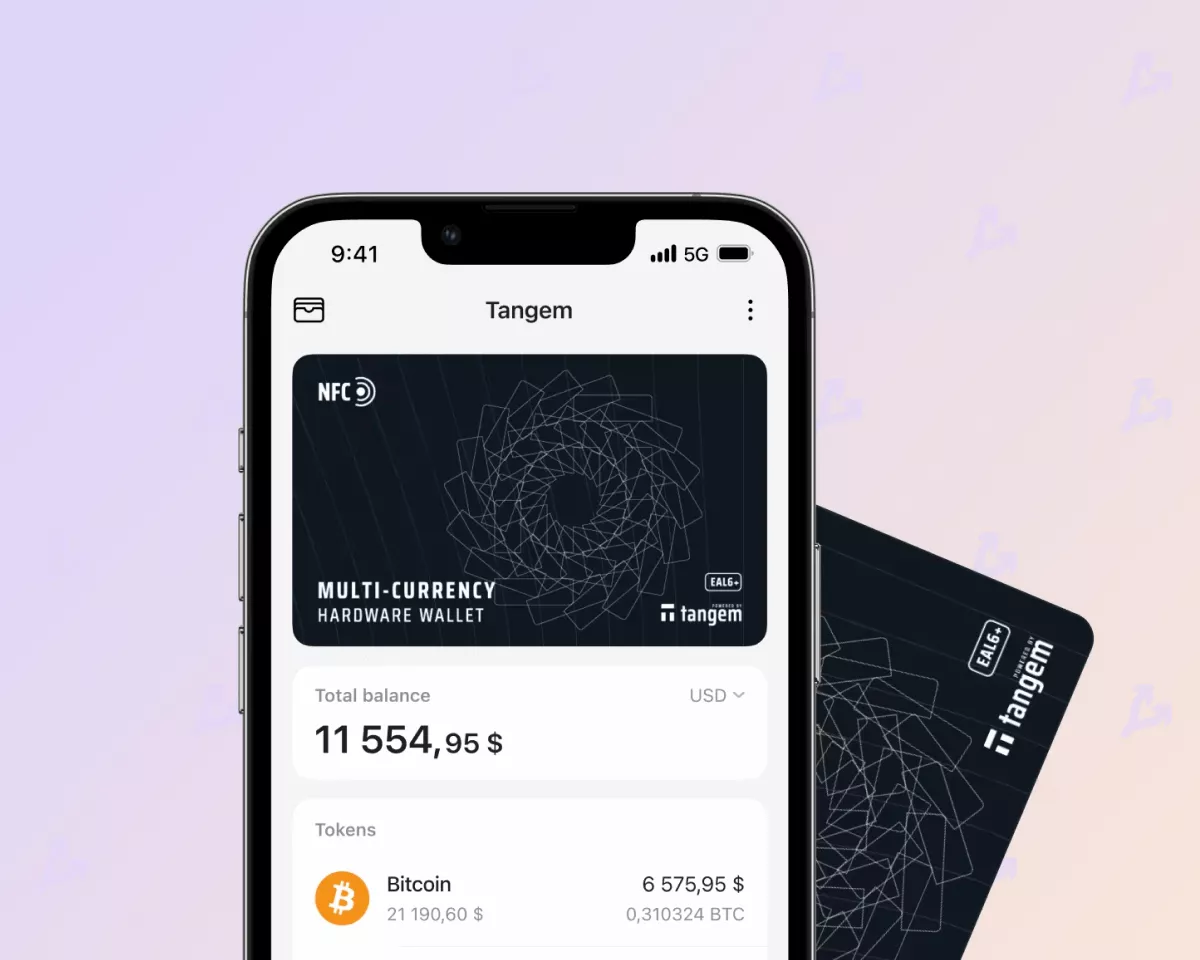
Tangem Wallet — a multi-currency wallet in the form of a set of two or three plastic cards.
Each card contains the S3D350A chip from Samsung, which is protected against moisture and dust to IP68 and certified to the Common Criteria EAL6+ (Evaluation Assurance Level) protection standard.
Chips with such a protection level are used in passports. In 2018, the Tangem Wallet firmware was audited by Kudelski Security.
To work with the wallet no USB cable is required. The user interacts with the cards via NFC using the Tangem app on Android and iOS. The app code is available on GitHub.
“This is an ideal solution for long-term storage of cryptocurrencies: after a long period of inactivity you do not need to replace the battery or recharge the device,” noted Andrey Lazutkin.
According to Tangem AG, the cards’ lifespans exceed 25 years. They can operate reliably at temperatures from -25 to +50 °C.
The user does not need to create or store a seed phrase. However, if all cards are lost or damaged, the wallet owner permanently loses access to the funds. The manufacturer does not offer other recovery methods.
Testing Tangem Wallet
We tested a set of three cards. The price on the official site — $69,90. Two cards would cost $54,90.
To install the app, bring one of the cards to the NFC antenna. On iPhone it is located in the top-right part of the smartphone. On Android devices, the location depends on the model.
We used an Android phone: after contact with the NFC the app automatically opened in Google Play. This approach protects users from malicious software.
We installed the app and pressed the “Scan” button. After this we created a wallet.
After generation, they linked the wallet to backup cards. Each card has a unique number on the back.
Then they performed backups — placing the second and third cards on the NFC antenna for 15 seconds.
To protect the wallet against theft, a passcode was set. It can be assigned individually to each card.
The backup cards allow recovery of the passcode: you need to press the “Forgot password?” button when logging into the app, attach the backup card, and enter a new password.
We completed the backup process: scanned the main and backup cards, then clicked “Go to my wallet”.
In Tangem you can configure the display of balances and prices of individual assets — in cryptocurrencies or fiat currencies, and also add the coins you are interested in to the home screen.
Sending and receiving cryptocurrencies
As of the time of writing, Tangem Wallet supports more than 2,500 cryptocurrencies and tokens across 23 networks, including Bitcoin, Ethereum, BNB Chain, XRP, Cardano, Solana, Dodecoin, Polygon, Tron, Avalanche, Ethereum Classic, Litecoin, Stellar, Bitcoin Cash, Tezos, Fantom and Arbitrum.
We conducted two test transactions for sending and receiving Dogecoin. First, we tapped “Manage tokens” and added the main Dogecoin network (MAIN) to the home screen. The cryptocurrency is also available as a wrapped token on the BNB Chain.
After that we copied our address and made the transfer. The balance updated almost immediately after the transaction.
We chose a “normal” fee size and included it in the total. We pressed “Send”, entered the passcode and confirmed the transaction with the card. The Dogecoin network processed the transaction in about a minute.
Working with decentralized applications
Connect the wallet to dapps via WalletConnect. At the time of writing the review, it supports more than 450 dapps.
We performed a test transaction exchanging BNB for Tether via PancakeSwap: we went to the platform site and selected WalletConnect in the “Connect Wallet” menu.
To complete the connection to dapps: in the wallet app open the menu (⋮) and select WalletConnect. Tap the ‘+’ button at the bottom of the screen, scan the QR code on the PancakeSwap site and press “Start”.
On PancakeSwap we chose to swap BNB for 5 USDT, then pressed “Sign and Send” in Tangem to sign the transaction.
After this, our balance decreased by $5, but the swapped asset (Tether) did not automatically appear.
The balance updated only after we opened the token management menu and manually added Tether (BEP20) to the home page. The Tangem team says this approach helps preserve user privacy, but we found it not very convenient.
Conclusions
Attackers can gain access to a seed phrase through social engineering, account hacking or a search. Tangem Wallet allows users to completely avoid these risks. The wallet also has a number of other advantages:
- water and dust protection to IP68, the chip security level EAL 6+. By comparison, Ledger and SafePal carried EAL 5+ certification; the Tangem Wallet has no USB ports, buttons or a display, which helps minimise the number of possible attack surfaces;
- compact and discreet. Tangem can be carried in a wallet or cardholder alongside bank cards;
- no battery and USB ports. There is no need to worry about charging the device or carrying a cable to connect to a computer.
The Tangem source code is published on GitHub. If there are issues with the app in Google Play or the App Store, third-party developers can integrate wallet support and users can run their own Tangem versions.
On the other hand, if all cards are lost, access to funds becomes impossible. In addition, the following drawbacks can be noted:
- works only via a smartphone with NFC. The manufacturer does not provide other ways to connect to the wallet;
- you cannot create more than two backups. The main card can be linked to only one or two backups;
- support for 23 blockchains. This is quite modest compared with many multi-asset wallets on the market. Nevertheless, developers continually update the app and add networks.
Read ForkLog Bitcoin news in our Telegram — cryptocurrency news, rates and analytics.