




In September 2020, a user sent 1 million USDT to the wrong address of the Swerve.Finance project. The funds were recovered: Tether froze the funds and issued new tokens.
That scenario is impossible for Bitcoin: coins cannot be frozen or transactions removed from the blockchain. The error can be corrected before the transaction is added to the blockchain. For this, Bitcoin wallets include a Replace-By-Fee (RBF) feature.
Together with the Blender Wallet cryptocurrency wallet, we explain how to cancel and accelerate a transaction in one click. At the end of the article we test Bitcoin mixing in the built-in Blender.io service.
Cancelling transactions on the Bitcoin network
Replace-By-Fee — is a mechanism for changing the parameters of sending coins in the Bitcoin mempool. It allows replacing the transaction with a new one — with a higher fee or a different recipient address.
Blender Wallet added the Replace-By-Fee feature in December 2020. In the wallet, RBF is enabled by default. It can be disabled in the settings.
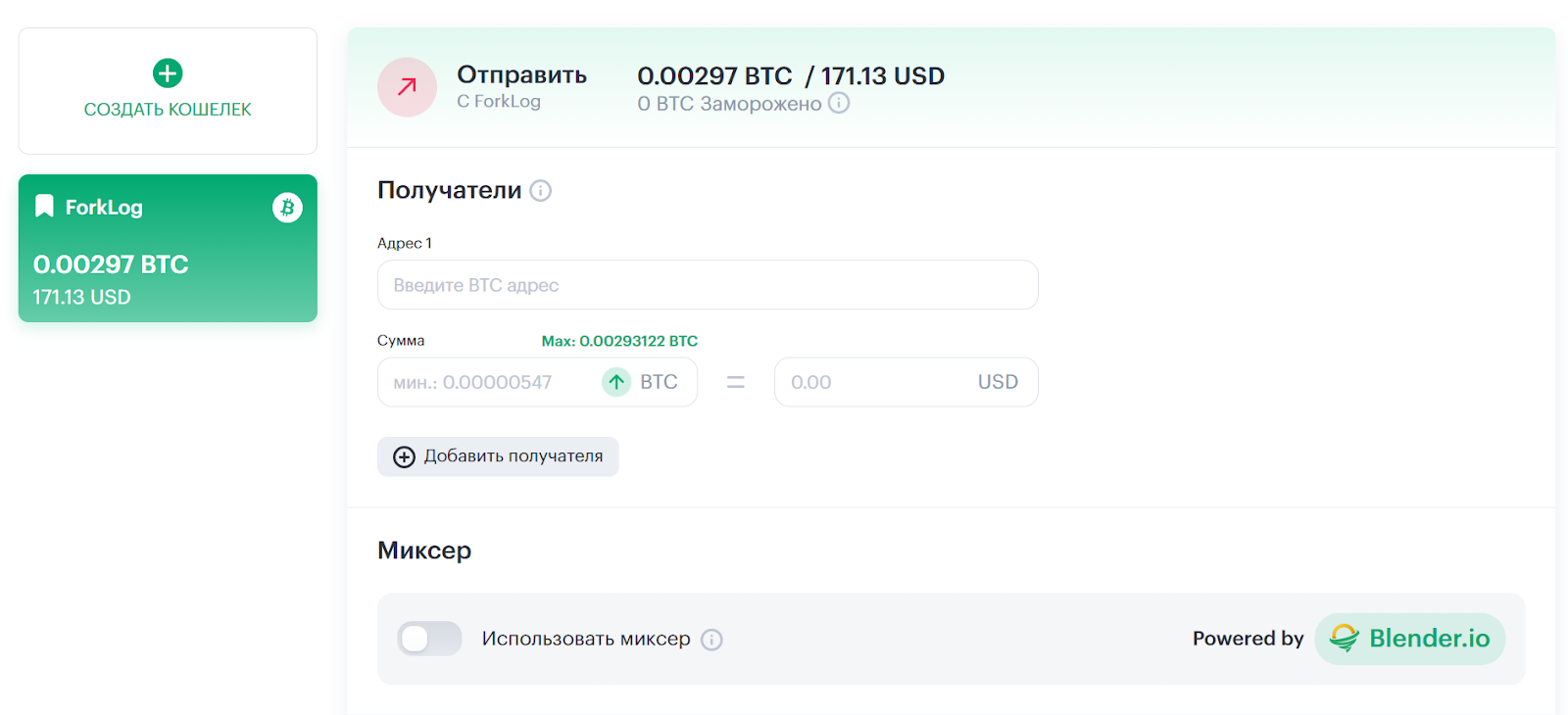
We created a new wallet and transferred 0.00297 BTC to it. Blender Wallet is a hierarchical deterministic [HD] wallet. It automatically generates SegWit and SegWit-compatible addresses when receiving and sending Bitcoin.
Thereafter we signed a 0.001 BTC transaction to test RBF.


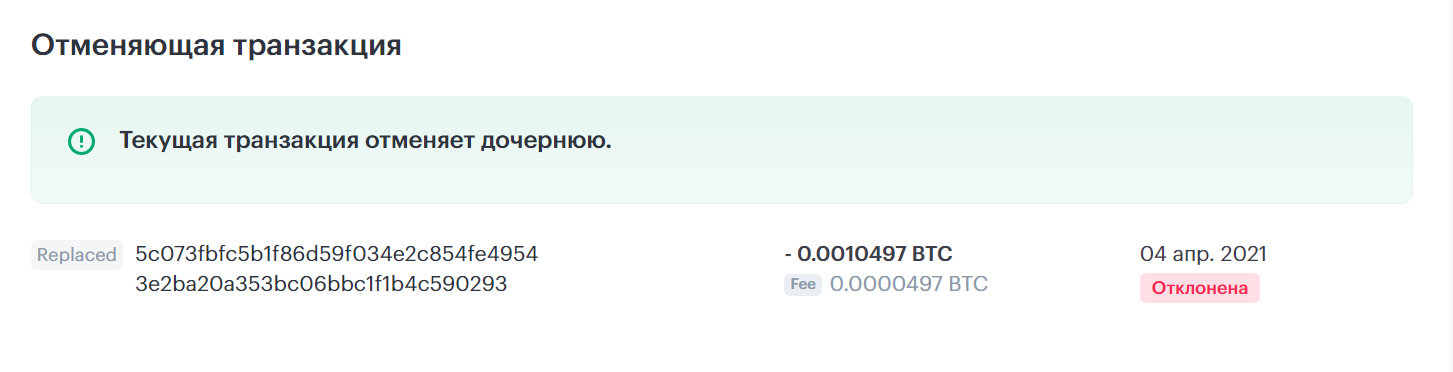
The transaction can be cancelled only before it is included in the blockchain, so we selected a low fee in the wallet settings at the time — 18.23 sat/vB. Immediately after that we pressed the ‘Cancel’ button.


After entering the 2FA code the wallet cancelled the unconfirmed transaction. The coins were sent to a new Blender Wallet address. The new transaction was included in a block after 20 minutes.

Speeding up Bitcoin transactions
Blender Wallet offers two methods to speed up transactions: Replace-By-Fee (RBF) and Child Pays For Parent (CPFP).
RBF replaces a transaction with a low fee with a higher-fee transaction. CPFP re-sends the user’s change with a higher fee. This incentivises miners to confirm the original transaction more quickly. Blender Wallet automatically selects the optimal method to speed up the transaction.
To test this feature we signed a 0.001 BTC transaction with a fee of 19.61 sat/vB. We then pressed the ‘Speed up’ button — the wallet selected RBF.

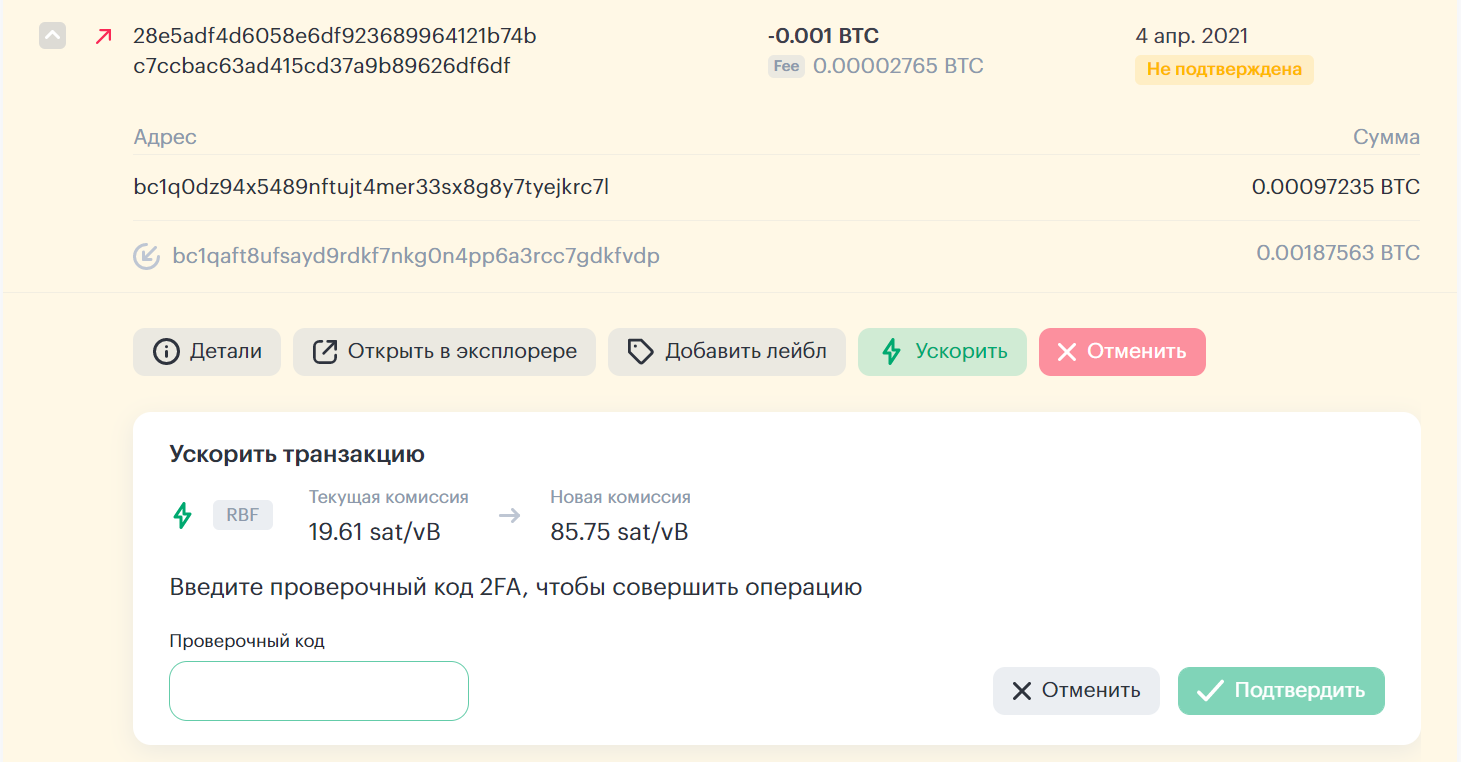
Blender Wallet cancels the transaction with the low fee. After that, the wallet adds to the mempool a transaction with the same recipient address but with a higher fee.

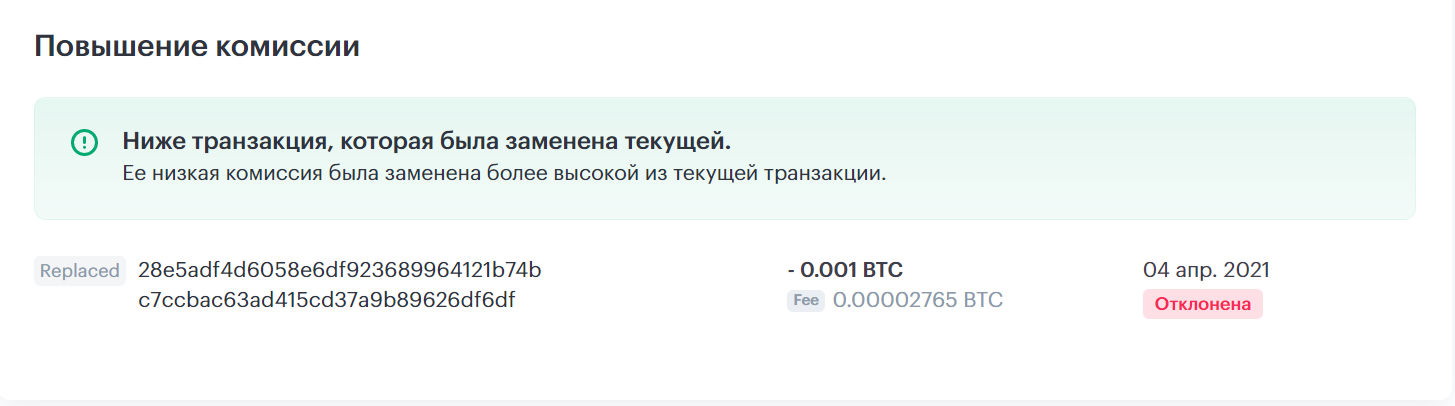
After increasing the fee, miners added the transaction to the next block.
Sending coins through Blender.io Bitcoin mixer
The Blender Wallet interface includes the Blender.io mixer. It mixes users’ Bitcoins using the Madeamaze algorithm, created on the basis of the transaction anonymisation technology CoinJoin.
The minimum mixing amount is 0.001 BTC. The service fee ranges from 0.5% to 2.5% of the transaction amount. In addition, the service charges 0.0003 BTC for sending to each destination address.
We sent 0.00178237 BTC via Blender.io.

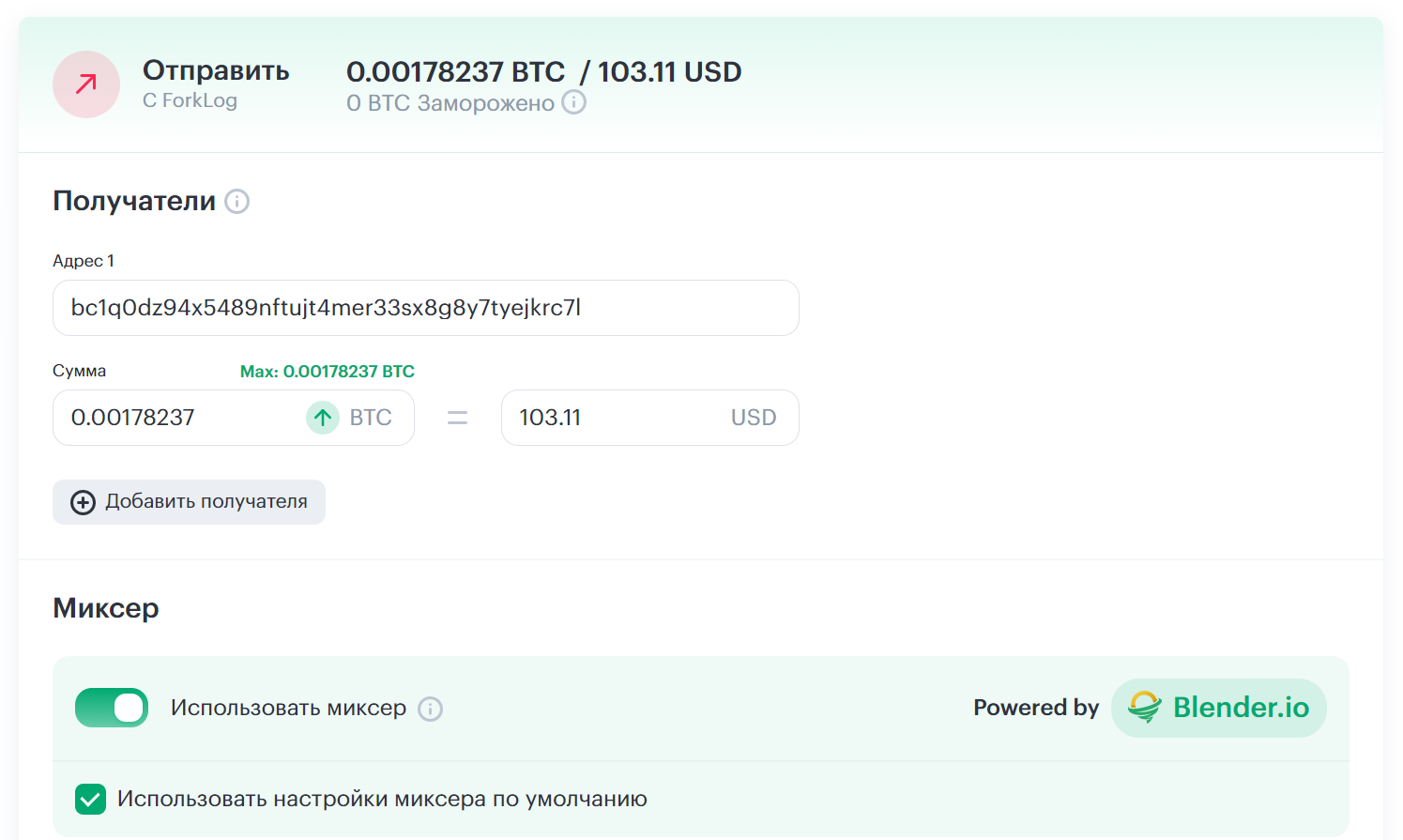
After signing the transaction we received a guarantee letter from Blender Wallet, signed by the service wallet address. The document lists the terms of mixing: the deposit address and the mixer’s fee.


After mixing we received 0.00142925 BTC. The mixer fee amounted to 0.681% of the transaction amount plus 0.0003 BTC.


The mixing took about 30 minutes. The mixer delays sending coins to the destination address. This makes it harder for analytics services to link transactions.
Blender.io does not store data that could link senders and recipients of transactions. It deletes information about recipients of mixed transactions an hour after the mixing is completed.
Conclusion
In November 2011, the Mt. Gox management sent 2,609 BTC to ‘nowhere’ due to a bug in the exchange software. At the time, Bitcoin did not support Replace-By-Fee. These coins are forever locked in the Bitcoin blockchain.
Decentralisation and immutability of transactions are the core principles of the first cryptocurrency. Bitcoin has no issuer that refunds money on demand.
Since 2016, users can cancel transactions, but only before they are recorded in a block. It is important to spot the error promptly and quickly replace the transaction. Blender Wallet makes this possible with a single press of a button.
Earlier, ForkLog published a detailed Blender Wallet review. We calculated the time to hack the wallet, and described the tagging system and address freezing for spending controls.
Follow ForkLog news on VK!